
Digital publishing is now part of everyday life in the UK. People download school resources, business guides, recipe books, charity reports, product manuals, policy documents, training packs, and lead magnets directly from websites and emails.
For many of these uses, PDF remains one of the most practical formats. It is easy to create, simple to share, and reliable across devices. While it is not perfect for every type of publication, it still offers a strong balance of design control, accessibility options, security features, and professional presentation.
For UK authors, small businesses, educators, consultants, charities, and content creators, PDF can be a smart publishing choice when it is planned properly.
What Is a PDF?
PDF stands for Portable Document Format. It was created to keep a document’s layout consistent, no matter where it is opened.
That means the fonts, images, tables, headings, page numbers, spacing, and graphics should appear in the same place whether someone opens the file on a Windows laptop, MacBook, iPad, Android phone, office computer, or browser.
This is one of the main reasons PDFs are still widely used in the UK. A training manual, invoice guide, course workbook, food menu, property brochure, legal pack, or e-book can be sent to different people without the layout falling apart.
Why PDFs Work Well for UK Digital Publishing
PDF is useful because it sits between a printed document and a digital file. It gives the publisher control over design while still allowing the reader to open it quickly on most devices.
In the UK, where many businesses now use downloadable resources for marketing, training, customer support, and sales, PDF is often the easiest format to manage.
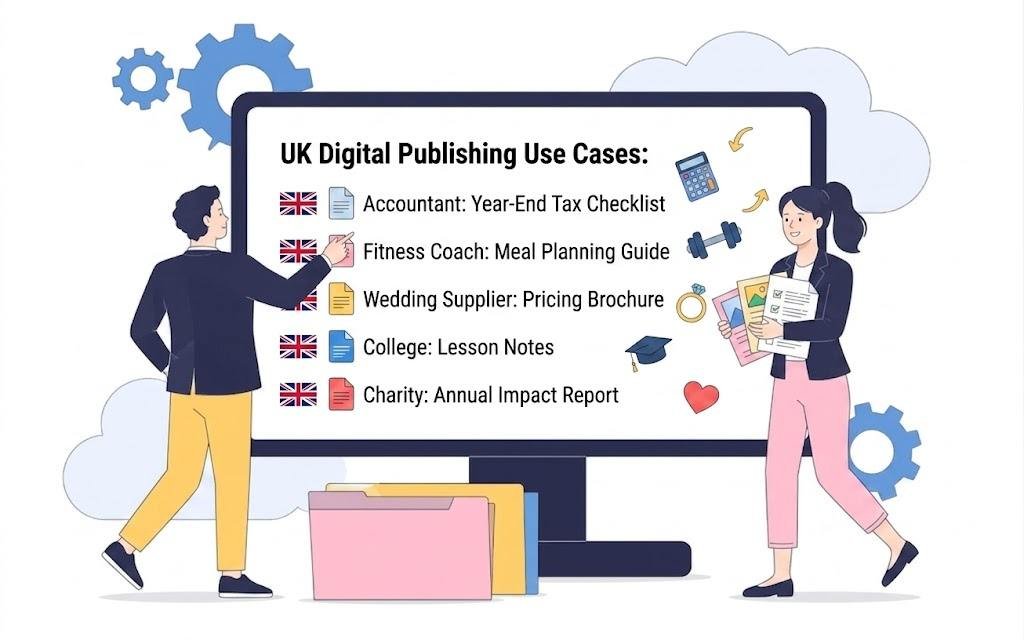
For example, a local accountant may offer a year-end tax checklist. A fitness coach may share a meal planning guide. A wedding supplier may provide a pricing brochure. A college may upload lesson notes. A charity may publish an annual impact report.
In each case, the document needs to look professional, be easy to send, and work without asking the reader to install unusual software.
Main Advantages of Publishing in PDF Format
PDFs: Keep Your Layout Looking Professional
One of the biggest strengths of PDF is layout control. The document stays close to the way you designed it.
This matters when your publication includes:
- Charts
- Tables
- Photos
- Step-by-step instructions
- Branded colours
- Worksheets
- Product images
- Case studies
- Print-friendly pages
For UK businesses, this can protect brand quality. A poorly formatted guide can make a company look careless, even if the information inside is useful. A clean PDF feels more polished and trustworthy.
PDFs Are Easy to Share and Download
PDFs are simple to distribute. You can attach them to emails, upload them to a website, add them to a customer portal, include them in online courses, or offer them after a newsletter sign-up.
This makes PDF useful for:
- Free guides
- E-books
- Brochures
- Reports
- Checklists
- Training materials
- Policy documents
- Product manuals
- Event packs
A PDF also works well when the reader may want to save the file and return to it later. This is helpful for practical content such as home renovation guides, business templates, medical information leaflets, and education resources.
PDFs Are Easy to Create
You do not need expensive publishing software to create a basic PDF. Many people in the UK already use tools such as Microsoft Word, Google Docs, Canva, Apple Pages, Adobe tools, or SwifDoo PDF to prepare and export documents.
For simple e-books, guides, and downloadable resources, this keeps production costs low. That is useful for freelancers, start-ups, tutors, tradespeople, small charities, and local service businesses.
For more advanced publishing, such as large illustrated books or professional magazines, design software may still be the better choice. But for many everyday publications, a well-structured PDF is enough.
PDFs Can Support Branding and Marketing
A PDF can do more than share information. It can also support your brand.
A good PDF can include:
- Your logo
- Brand colours
- Contact details
- Website links
- Calls to action
- Product images
- Service explanations
- Customer support information
For example, a UK estate agent could use a PDF guide about preparing a house for sale. A solicitor could publish a simple guide to conveyancing steps. A personal trainer could share a beginner workout planner. Each document can educate the reader while gently building trust in the business.
PDFs Can Include Interactive Features
PDFs can include clickable links, bookmarks, internal navigation, forms, checkboxes, and clickable contents pages.
This is useful for longer guides because readers do not always want to scroll from the beginning. A clickable contents page helps them move straight to the section they need.
Interactive PDFs are also useful for:
- Application forms
- Course workbooks
- Client onboarding packs
- Checklists
- Worksheets
- Event registration documents
However, interactive elements should be tested properly before publishing. A form that works on a desktop may not always behave the same way on a mobile device.
Disadvantages of PDF E-books
PDF is powerful, but it is not the right format for every situation. Before publishing, it is worth understanding where it can cause problems.
PDFs Are Not Always Comfortable on Small Screens
A fixed layout is useful for design, but it can make reading harder on phones. Unlike EPUB, a PDF does not always reflow text to fit smaller screens.
This can lead to zooming, side scrolling, and poor reading comfort, especially if the font is too small.
For UK readers who often open documents on mobile while travelling, commuting, or checking emails quickly, this matters. If your PDF is likely to be read on a phone, use a clean layout, larger font size, short paragraphs, and enough spacing.
Large PDF Files Can Put Readers Off
PDFs with many high-resolution images can become heavy. A large file may take longer to download, use more mobile data, or fail to open smoothly on older devices.
This is especially important if your audience includes students, older readers, rural users with weaker broadband, or mobile-first customers.
Before publishing, compress images, remove unnecessary design elements, and optimize the PDF file size so the document stays easy to download without looking poor quality.
Accessibility Needs Careful Attention
PDFs can be made accessible, but they are not automatically accessible. This is important for UK websites, especially public sector bodies, education providers, charities, healthcare organisations, and businesses that want to serve a wider audience.
A reader using screen reader software may struggle if the PDF has no proper heading structure, missing image descriptions, poor colour contrast, or scanned text that cannot be read by assistive technology.
A better PDF should include:
- Clear heading levels
- Proper reading order
- Meaningful link text
- Alt text for useful images
- Table headers where tables are used
- Strong colour contrast
- Searchable text, not just scanned pages
- A short and clear file name
For some content, an HTML web page may be more accessible than a PDF. If the information is important and meant for public access, consider offering both.
Password Protection Is Not Complete Security
PDFs can be password-protected or restricted for copying, printing, and editing. This can help control access, but it should not be treated as complete protection.
For sensitive documents, such as client records, financial details, contracts, or internal business information, UK businesses should think carefully about data protection. A password-protected PDF sent to the wrong person can still create a serious problem.
Use secure sharing methods, limit access where possible, and avoid adding unnecessary personal information.
When PDF Is the Right Choice
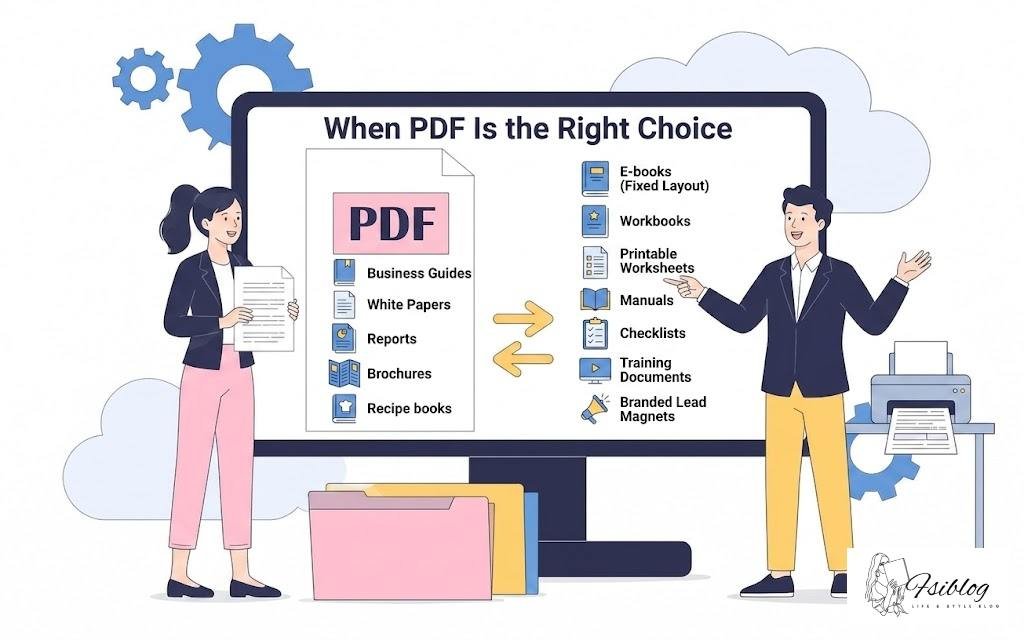
PDF is a strong choice when presentation and structure matter.
It works especially well for:
- E-books with images or fixed layouts
- Downloadable business guides
- White papers
- Reports
- Brochures
- Recipe books
- Workbooks
- Printable worksheets
- Manuals
- Checklists
- Training documents
- Branded lead magnets
PDF is also useful when readers may want to print the document. Many UK users still print forms, worksheets, study notes, and business documents when they need to review them carefully.
When Another Format May Be Better
PDF is not always the best option. If your publication is mainly long-form reading, such as a novel or text-heavy book, EPUB may offer a better reading experience because the text can adjust to the reader’s device and font preferences.
If your content needs to be updated often, a web page may be better. Updating one live page is easier than replacing a PDF and asking users to download the latest version.
If accessibility is the top priority, HTML should often be considered first, especially for public information.
Practical Tips Before Publishing a PDF
Before you publish your PDF, check it from the reader’s point of view.
Ask these questions:
- Does it open quickly?
- Is the text readable on mobile?
- Is the file name clear?
- Are the links working?
- Is the layout clean?
- Are images compressed properly?
- Is the document accessible?
- Is the call to action clear?
- Is the contact information correct?
- Does the document still look good when printed?
A short final review can prevent common problems and improve the reader’s experience.
Final Thoughts
PDF remains one of the most useful publication formats for UK businesses, authors, educators, and creators. It is easy to produce, simple to share, and strong for branded, visual, and print-friendly content.
Its main weakness is that it needs careful design. A PDF that looks good on a laptop may not be easy to read on a phone. A beautiful file may still be too large. A professional design may still fail accessibility checks.
The best approach is to use PDF where it adds value, then prepare it properly. Keep the layout clean, make the file easy to download, check accessibility, and think about how real readers will use it.
When done well, a PDF can be more than a document. It can be a helpful publishing tool that shares knowledge, supports your brand, and gives readers something useful to keep.