Your best friend turns thirty on a Saturday, and you are four hundred miles away with no chance of making the party. A card arrives late, a text gets buried under forty other notifications, and a video call lasts ten minutes before someone’s connection drops. You want something they can replay, show other people and keep.
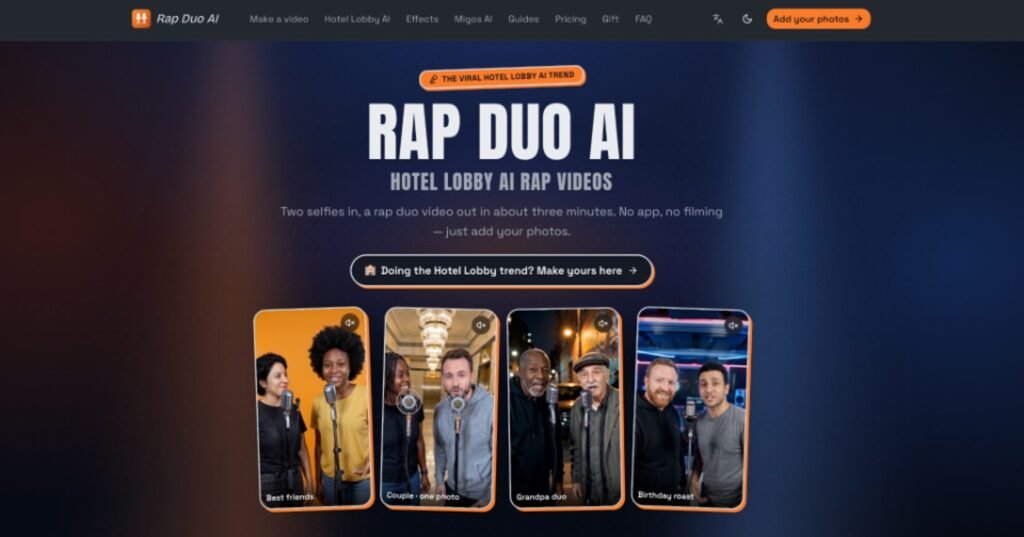
The usual options each have a catch. A slideshow takes an evening to assemble and often looks like every other slideshow, while a filmed message is awkward when you are not comfortable on camera. A short video that places both of you in the same scene, built from two ordinary photos, sits somewhere between the two. A tool such as Rap Duo AI can handle that one step, so this guide covers the planning and checking around it.
Decide What the Video Should Say
Start with one sentence about the person, not a format. “Priya, thirty, who has been late to every one of our dinners since 2015” gives you far more to work with than “a funny birthday clip”. A single specific detail, whether a running joke, a shared habit or a place you both remember, carries a short video better than a list of compliments.
Keep the scope small. A clip of around twelve seconds has room for one idea, perhaps two. If you try to fit a whole friendship into it, the result will feel crowded and the detail that made it personal will get lost.
Choose the tone before you create anything. Affectionate roasting works for friends who tease each other daily, while a warmer, sentimental angle suits an old school friend you only see once a year. Mixing both in twelve seconds rarely works.
Choose Photos That Will Work
Photo choice decides most of the outcome, and it is the step people rush. For a tool that builds a scene from two separate pictures, you need one clear photo per person, taken from the front, with the face evenly lit.
Check Each Photo Against Four Points
- The face looks towards the camera and is not turned sharply to one side.
- Nothing covers the eyes or mouth, so sunglasses, masks and heavy filters are out.
- Only one person appears in the frame.
- The lighting is even, without a hard shadow across half the face.
The two photos do not need to be taken together or even on the same day, which is the whole point when you live in different cities. A recent selfie usually beats a flattering photo from five years ago, because the result should still look like the person who opens the message.
Get Permission First
Use only photos of people who would be happy to appear in the video. If the birthday person is a surprise, you are still using a picture of them, so be sure they would be comfortable with it. Avoid photos of children unless a parent or guardian has agreed, and never use a likeness to mock or mislead someone in a way they would not enjoy.
Build the Scene and Write the Brief
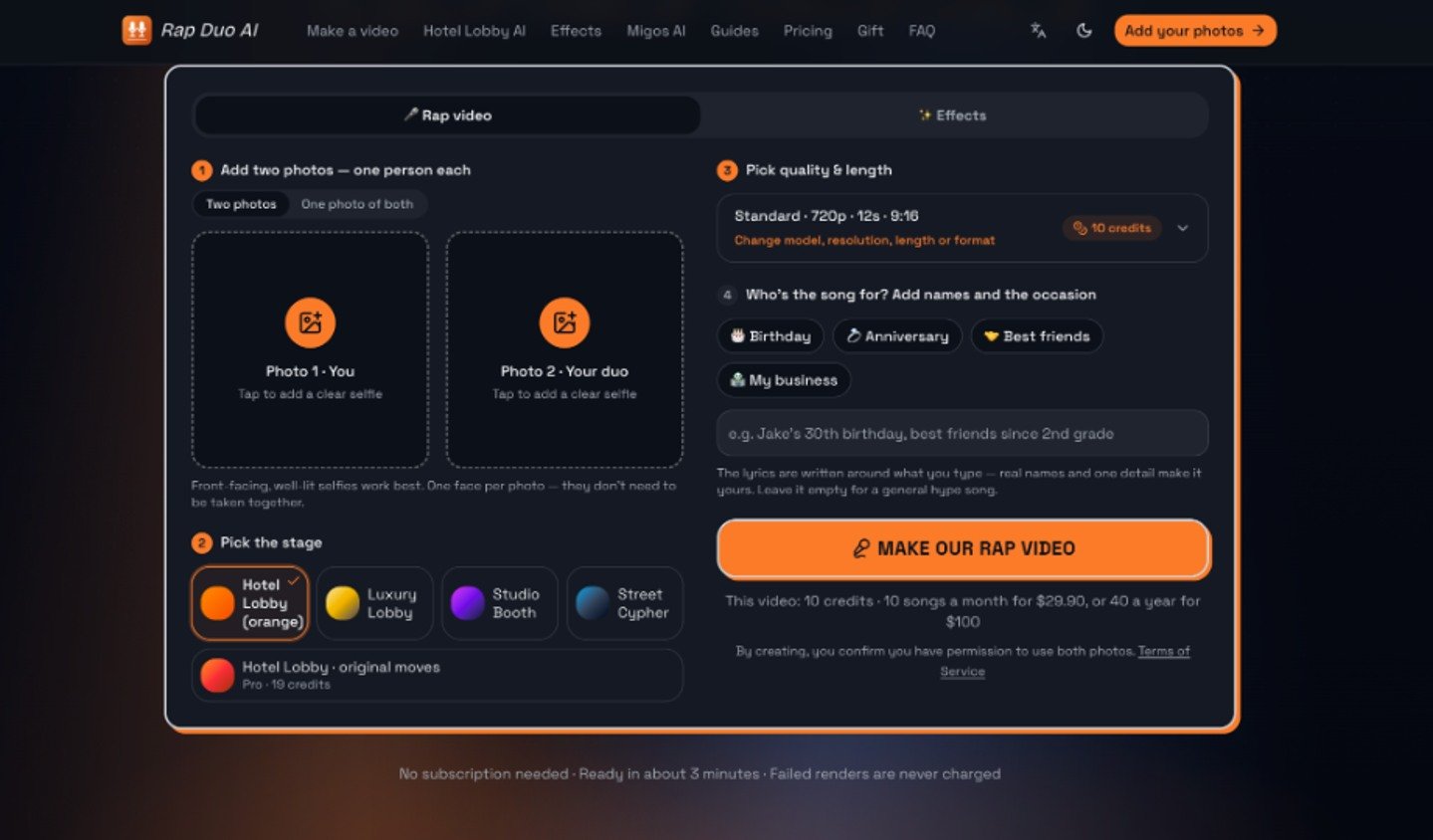
Once the photos are ready, you need a setting and a short written brief. The setting should suit the mood you chose earlier: a polished lobby for something playful and over the top, a studio booth for a more casual feel.
The brief is where your one-sentence idea goes. Give the tool the birthday person’s name, the occasion and a single detail. Priya’s 30th birthday, always late to dinner” tells it far more than “birthday song”. Leave out long backstories, because extra text dilutes the one thing you want the video to be about.
For the generation step, an AI Rap Video Generator fits when you want a short, performed clip rather than an edited montage. You upload the two photos, choose a stage, type the names and detail, and it produces a vertical video of about twelve seconds with generated vocals and a beat. Processing usually takes a few minutes. If the first result is not right, adjust the brief or swap a photo, and run it again.
Review the Result Before You Send It
Watch the clip at least twice, once with sound and once without. The silent pass shows you the faces and movement, and the sound pass shows you whether the words are right.
Check these points in order:
- Do both faces still resemble the real people, including hair, age and general expression?
- Is the birthday person’s name spoken correctly?
- Does the detail you supplied appear, and does it come across as affectionate rather than unkind?
- Do the mouth movements stay roughly in time with the vocals?
Regenerate if a face looks distorted, a name is mangled or the joke lands badly. Most fixes are simple. A blurry or angled photo is the usual cause of a poor likeness, so replace it with a sharper one. A mispronounced name often improves if you write it more phonetically, and a joke that misfires usually needs a shorter, plainer brief.
There are also times when AI is the wrong choice. If the person is private, uneasy about synthetic media or simply not the type to enjoy it, record a thirty-second voice note instead. A real voice from a friend beats a clever clip that makes the recipient uncomfortable.
Send It in a Way That Feels Personal
A good video can still be undercut by a careless delivery. Send it at a time when the person is likely to watch it properly, such as the morning of the birthday rather than during their working day, and add a line of your own so it does not arrive as a bare file.
The vertical format suits phone viewing and sharing to stories, so you can post it publicly if both of you agree. Ask first, since not everyone wants a generated clip of their face on a public feed.
A Short Checklist for Next Time
Distance does not have to make a birthday message generic. Begin with one specific detail about the person, pick two clear front-facing photos with permission, write a brief that sticks to a single idea, and review the result honestly before sending. If the clip passes the four checks, it is ready. If any of them, change the photo or the brief and try again, or choose a simple voice note.